
Back to Blogs
Drew Neisser is the founder of CMO Huddles and a globally recognized authority on B2B marketing. He’s an AdAge columnist, LinkedIn TopVoice, leading CMO coach, podcast host & friend of penguins everywhere.
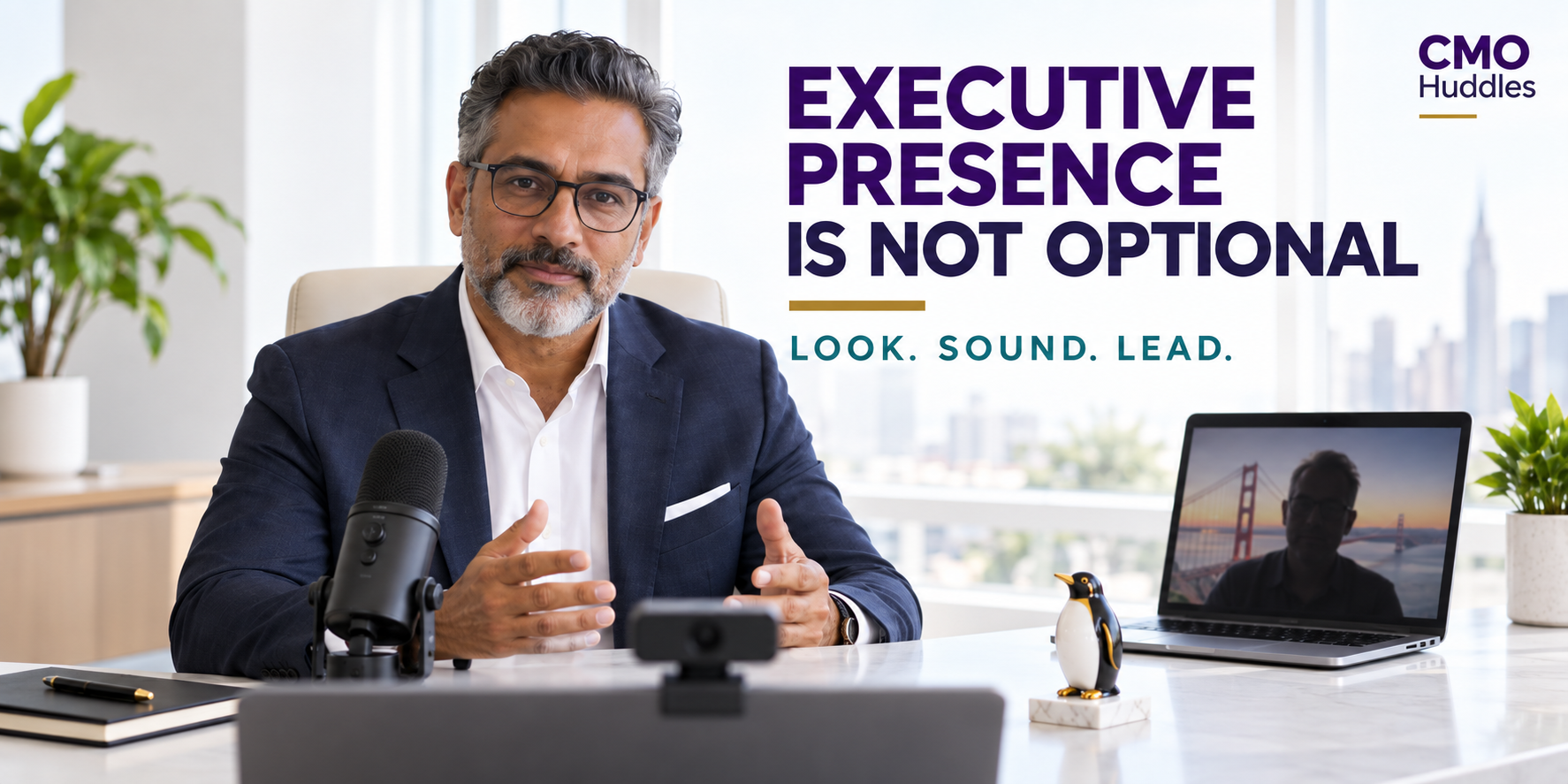
Executive presence now travels through a camera and microphone. For CMOs, poor lighting, weak audio, careless framing, and generic backgrounds quietly diminish credibility before the conversation starts. This guide explains how to build a professional setup, strengthen on-camera confidence, and ensure a million-dollar career is never presented through a three-dollar laptop microphone again on Zoom.
Yesterday, I was on a call with a CMO who had a generic Golden Gate Bridge background and lighting so poor that they were nearly invisible. This might have been forgivable as a one-time technical hiccup. Unfortunately, it was probably the fifth time I had seen this particular CMO broadcasting from the executive version of the witness protection program.
I know this sounds superficial. It isn’t. CMOs spend their careers managing perceptions, protecting brands, communicating value, and helping companies put their best faces forward. Yet some still join board meetings, job interviews, customer calls, webinars, and podcasts looking like they were taken hostage by their laptops.
You may have a million-dollar career. Please stop presenting it through a $3 laptop microphone.
Two years ago, I made a similar plea in “5 Ways to Be a More Telegenic CMO.” At the time, I wrote, “Every day you’re on camera with peers, employees, partners, and customers. And every day you’re representing your company brand and your personal brand.”
That remains true. What has changed is how much more business now happens through that little rectangle.
Executive presence has always been difficult to define. We know it when someone commands a room, listens with intention, speaks clearly, and projects confidence without turning the meeting into a tribute to themselves.
The virtual room changes the transmission system. Your lighting, audio, framing, posture, background, eye contact, and internet connection all become part of the message. If people are straining to hear you, wondering why you are orange, or watching parts of your head disappear into San Francisco Bay, they are thinking about your setup instead of your ideas.
Personal-branding expert Marc Reichel identified audience, consistency, and focus as three fundamentals of executive reputation. As he explained in our conversation about the CMO’s executive reputation formula, “People who tend to win when it comes to building a personal brand, who become influencers in their industry and have a large audience? They didn’t start yesterday.”
Your on-camera presence is part of that consistency. Showing up professionally once is production. Showing up professionally every time is a reputation.
Most laptop microphones are designed to prove that sound exists. They are not designed to make a CMO sound confident, thoughtful, or remotely human. They flatten voices, collect keyboard noise, amplify the room, and occasionally make a brilliant executive sound like they are calling from the bottom of a decorative well.
Podcast producer Rachel Downey made the business case for better audio during our conversation about how CMOs can become stronger podcast guests. “As a CMO, as a leader, I would at least invest in a high-quality mic,” she advised, noting that good audio adds gravitas and signals intentionality.
You do not need a recording studio. A quality USB dynamic microphone such as the Shure MV7+ plugs directly into a computer, isolates your voice, and reduces background noise. A microphone arm or desk stand should position it near your mouth without blocking your face.
For those who spend significant time recording podcasts, webinars, or videos, I use a Heil PR 40 dynamic microphone through an audio interface. That is more equipment than most CMOs need, but it proves a useful point: Distance matters. Even an expensive microphone will sound disappointing if it is sitting three feet away because someone decided it looked better beside a houseplant.
Rachel put it plainly: “You just need to know how to use it.” Spending money cannot compensate for refusing to read the setup instructions.
A strong camera cannot manufacture light. If a bright window is behind you, the camera will expose for the window and turn you into a silhouette. If the room is dark, the camera will introduce grain, soften your face, and create the impression that your company has fallen behind on its electric bill.
Current video-production guidance is remarkably consistent: place a soft light in front of you, keep the microphone close, and position the camera around eye level. A window can provide excellent free lighting when it is in front of you or slightly to one side. At night, use a diffused LED lamp or panel that allows you to adjust brightness and color temperature.
I still use the adjustable UPLIFT E7 desk lamp. It clamps onto the desk, provides diffused light, and can be repositioned without turning your workspace into a television studio. If you wear glasses, be careful with ring lights. The circular reflection in each lens can make you look like a startled robot.
The goal is simple: We should be able to see you.
A laptop sitting flat on a desk usually points upward. This offers viewers a commanding look at your chin, nostrils, ceiling fan, and whatever architectural decisions were made above your desk. Raise the laptop or use an external camera positioned at eye level.
The Logitech Brio 4K remains a strong external-camera option because it offers adjustable framing and performs well under varied lighting. You do not need to broadcast every meeting in 4K, but you should be able to create a stable head-and-shoulders frame with the camera approximately level with your eyes.
Certified Interview Coach Dalena Bradley emphasized the same point when she joined our Transition Team. “Get your setup figured out,” she said in our discussion of how CMOs can interview with more clarity, confidence, and control. That includes sitting upright, using the available frame, keeping the background uncluttered, and, in Dalena’s wonderfully direct words, dressing “like you care.”
Those recommendations extend well beyond job interviews. Every virtual appearance is a small audition for trust.
A natural background is usually the best choice. It can reveal some personality while remaining orderly and quiet enough to keep the focus on you. A bookcase, a piece of art, a plant, or even a discreet penguin can make the frame feel human without turning it into a scavenger hunt.
Generic virtual backgrounds rarely help. The Golden Gate Bridge, outer space, and the suspiciously pristine corner office available in Zoom may be harmless, but they communicate little about the person speaking. Poor lighting also causes virtual backgrounds to consume hair, shoulders, glasses, and occasionally entire executives.
If privacy requires a virtual background, use a simple branded image with restrained colors and minimal text. Test it with the clothes you normally wear and the lighting you actually have. Your company logo should not appear to be growing out of your head.
There is another reason to invest in your setup: confidence.
When your microphone works, your lighting is flattering, and your camera is properly positioned, you stop wondering how you appear. You can focus on the people in the meeting, listen more carefully, and respond more naturally. The equipment becomes invisible, which is precisely what good equipment should do.
Rachel Downey calls presence the most important podcasting skill. “The number one thing to be great at podcasting—I would hang my entire career on this: Be present.” That becomes easier when you are not monitoring your own shadowy image, adjusting your earbuds, or apologizing for sounding like a malfunctioning drive-through speaker.
Confidence also comes from preparation. Matt Abrahams explained during our conversation about thinking fast and talking smart that simple communication frameworks free leaders to listen and respond instead of clinging to scripts. The same principle applies to your production setup: establish it once, test it, and remove one more source of cognitive clutter.
Good equipment cannot give you executive presence. It can stop bad equipment from taking it away.
None of this means that a high-end microphone can transform a shallow idea into thought leadership. During my conversation with Dux Raymond Sy about using a personal brand to build a company brand, I summarized the priority in two words: “Substance first.”
Dux reinforced the point with a story about why Microsoft trusted him on prominent stages: “You actually know this stuff. You can talk about this stuff. People know you.” Expertise earned the opportunity. Professional presentation helped that expertise travel.
Patricia Romboletti made a related observation in our discussion about bulletproofing a CMO career: “Thought leadership is one of the mis-leveraged or underleveraged, reasonably inexpensive tools that everybody has.” Yet thought leadership cannot create impact if weak sound, distracting visuals, and poor delivery keep people from absorbing it.
Great production will never replace a worthwhile point of view. It will give that point of view a fighting chance.
CMOs can improve dramatically without spending anything. Face a window, raise the laptop to eye level, move into a quieter room, remove the generic virtual background, clean the camera lens, and place soft furnishings nearby to reduce echo. Then record a sample and watch it before an important meeting.
A practical executive setup adds a quality USB dynamic microphone, an adjustable soft light, and an external webcam. The Shure MV7+, UPLIFT E7 lamp, and Logitech Brio 4K are proven examples, although many competing products can deliver similar results. The important specifications are directional audio, adjustable lighting, dependable framing, and ease of use.
Frequent podcasters, speakers, and video creators may want a broadcast-quality dynamic microphone, an audio interface, multiple diffused lights, a dedicated camera, and modest acoustic treatment. Build toward that level only when the frequency and importance of your appearances justify it.
The best setup is the one you can turn on correctly every time.
Before a board meeting, interview, webinar, podcast, or important customer call, record yourself answering one question for 60 seconds. Watch it muted to evaluate posture, facial expressions, framing, and eye contact. Listen without video to assess pace, vocal energy, filler words, clarity, and sound quality.
Finally, watch the complete recording and ask a blunt question: Does this person look and sound like someone I would trust to lead marketing?
That is the standard. You do not need to look like a news anchor or sound like Morgan Freeman. You need to eliminate the avoidable distractions that prevent your experience, intelligence, warmth, and authority from coming through.
Executive presence was never optional for CMOs. The only difference now is that much of it must fit inside a 16:9 rectangle.
Start with the microphone if people struggle to hear you clearly. Next, improve front lighting, which can make even a standard webcam look considerably better. Upgrade the camera after sound, light, positioning, and internet stability are under control.
Many problems can be corrected for free by changing the room, lighting direction, camera height, and background. A dependable executive setup with a USB microphone, adjustable light, and external webcam generally requires a few hundred dollars. That is a modest investment relative to the meetings, interviews, and media opportunities it supports.
Yes, particularly when privacy or travel makes a natural setting impractical. Choose a restrained background, test it under your actual lighting, and avoid detailed scenes that produce visual artifacts. A lightly branded background is preferable to a novelty destination or simulated corner office.
Prepare a few key points rather than scripting every sentence. Place the camera near eye level, look into the lens when making an important point, sit upright, and keep your hands naturally visible when possible. Most importantly, test the technology beforehand so your attention can remain on the conversation.
Ideas matter most, but audiences experience ideas through a person and a medium. Strong production reduces distraction and reinforces care, preparedness, and credibility. When the stakes include board confidence, employee trust, customer relationships, media appearances, or a future role, leaving that signal to chance is an unnecessary risk.